Streaming and broadcast
Trigger scenes, mute channels, and run go-live workflows from your phone.
Tacto is a polished alternative to Stream Deck Mobile that's half the price. Take control of any desktop workflow from your phone with the same integrations that millions use already.
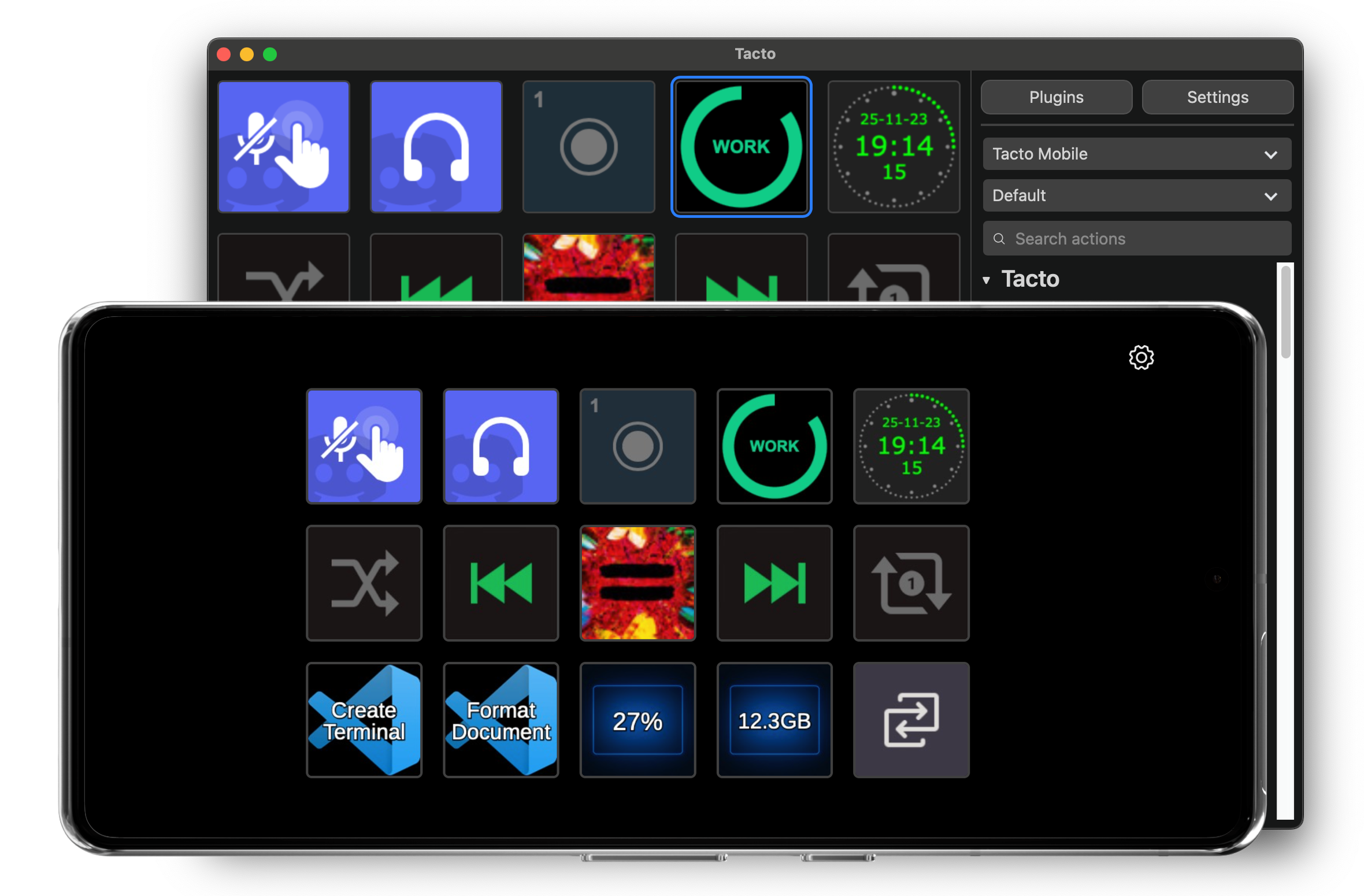
Tacto works with Linux, macOS, and Windows.
Hundreds of plugins
Streaming and broadcast
Trigger scenes, mute channels, and run go-live workflows from your phone.
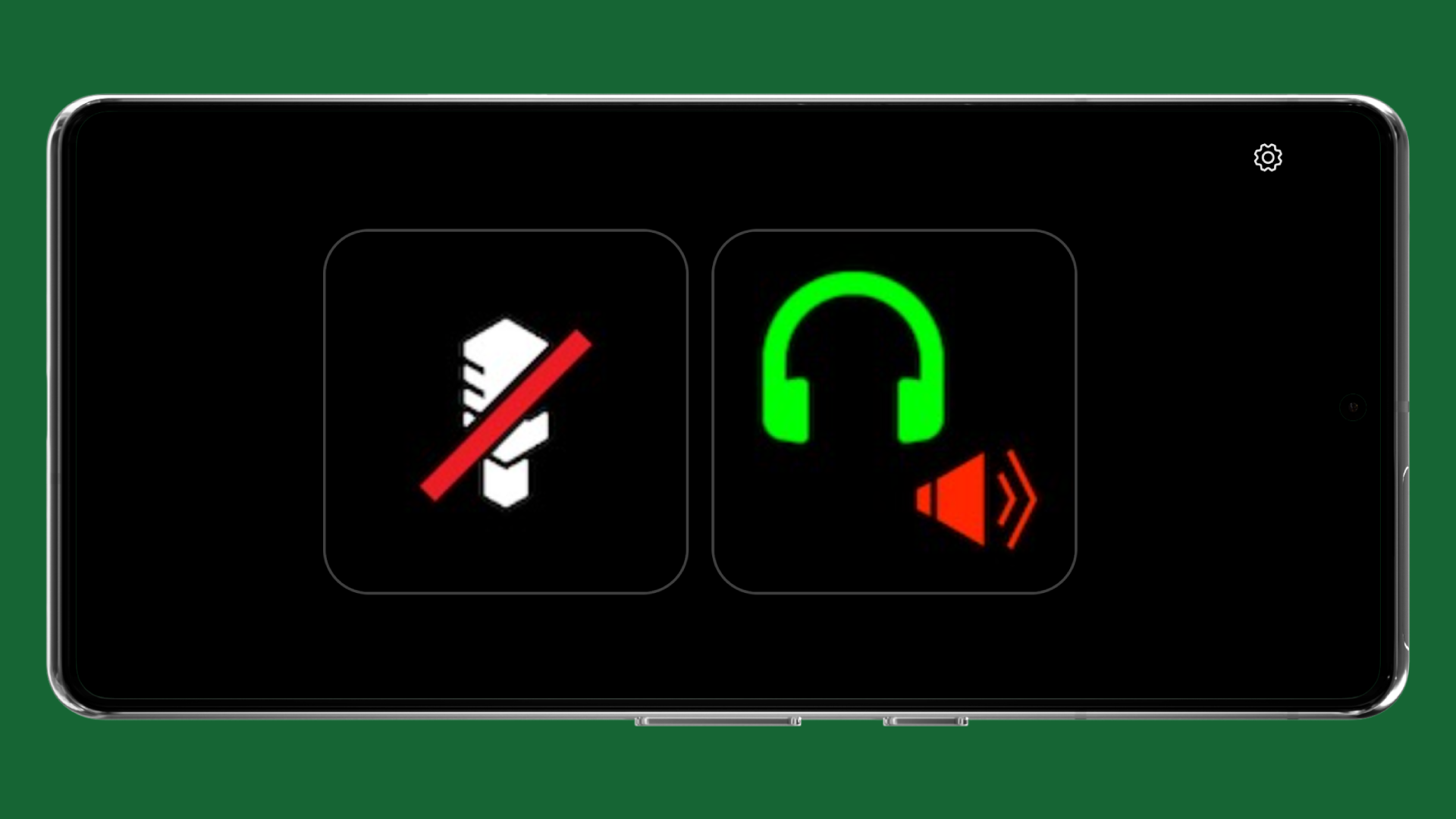
Calls and communication
Keep meetings smooth with one-tap controls and status shortcuts.
Music and audio
Control playback and route audio without leaving your active app.
Smart home and devices
Switch lights, trigger automations, and control connected environments.
System and monitoring
Surface CPU, GPU, and hardware telemetry directly to keys.
Clocks and time tracking
Track sessions, billable time, and live clocks in your key grid.
Plugin compatibility may vary by plugin and platform.
Get started quickly
Install Tacto Desktop for macOS or Windows, or OpenDeck for Linux, and your QR code appears.
Get Tacto DesktopOpen Tacto on your phone, scan the code, and start triggering actions. No account needed to get started.
Open Tacto MobileWhat you can build
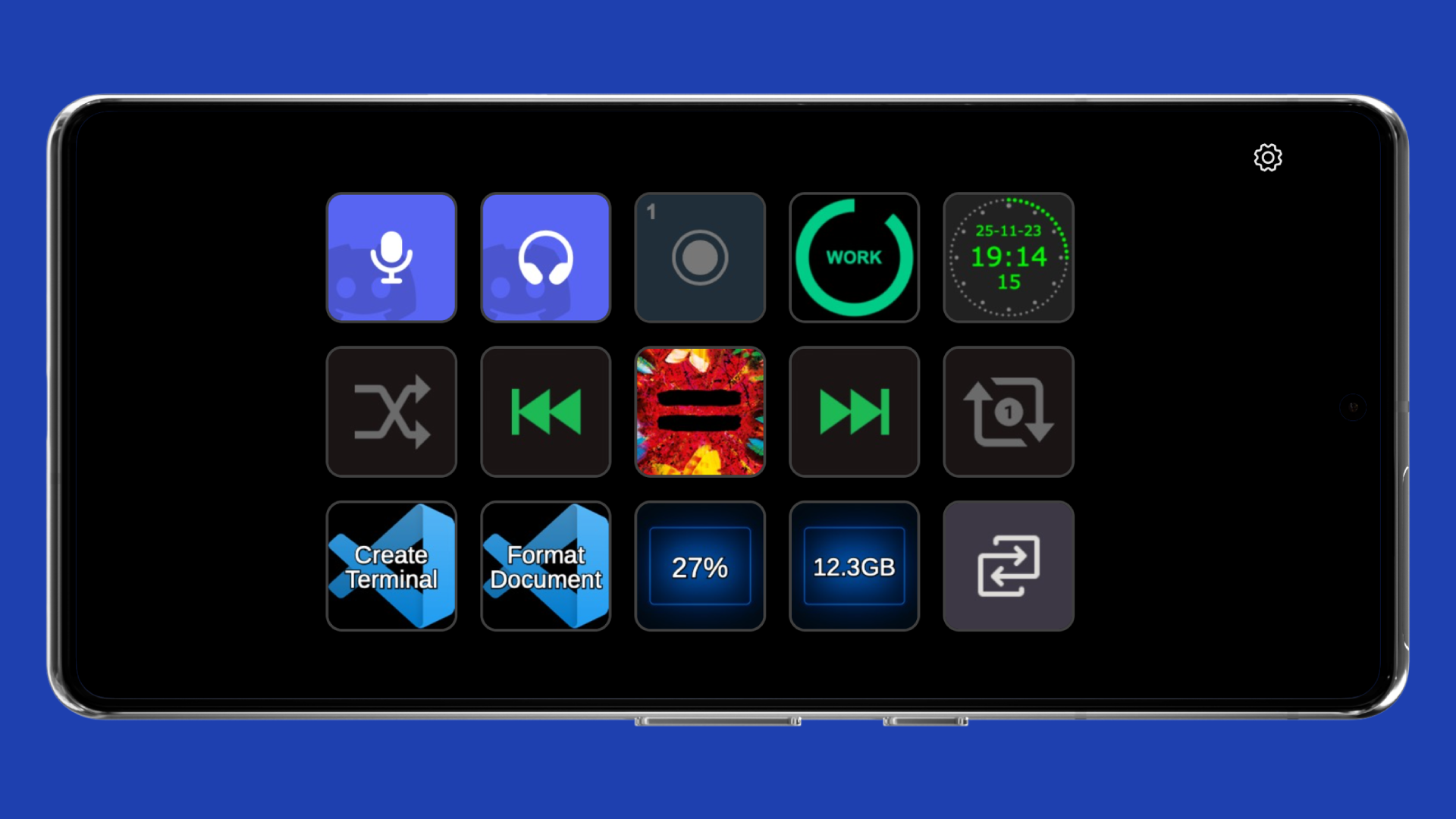
Set up button grids and profiles for different workflows, switching automatically when you switch apps.
Chain multiple actions into a single press with Multi Actions, or cycle through them with a Toggle Action.
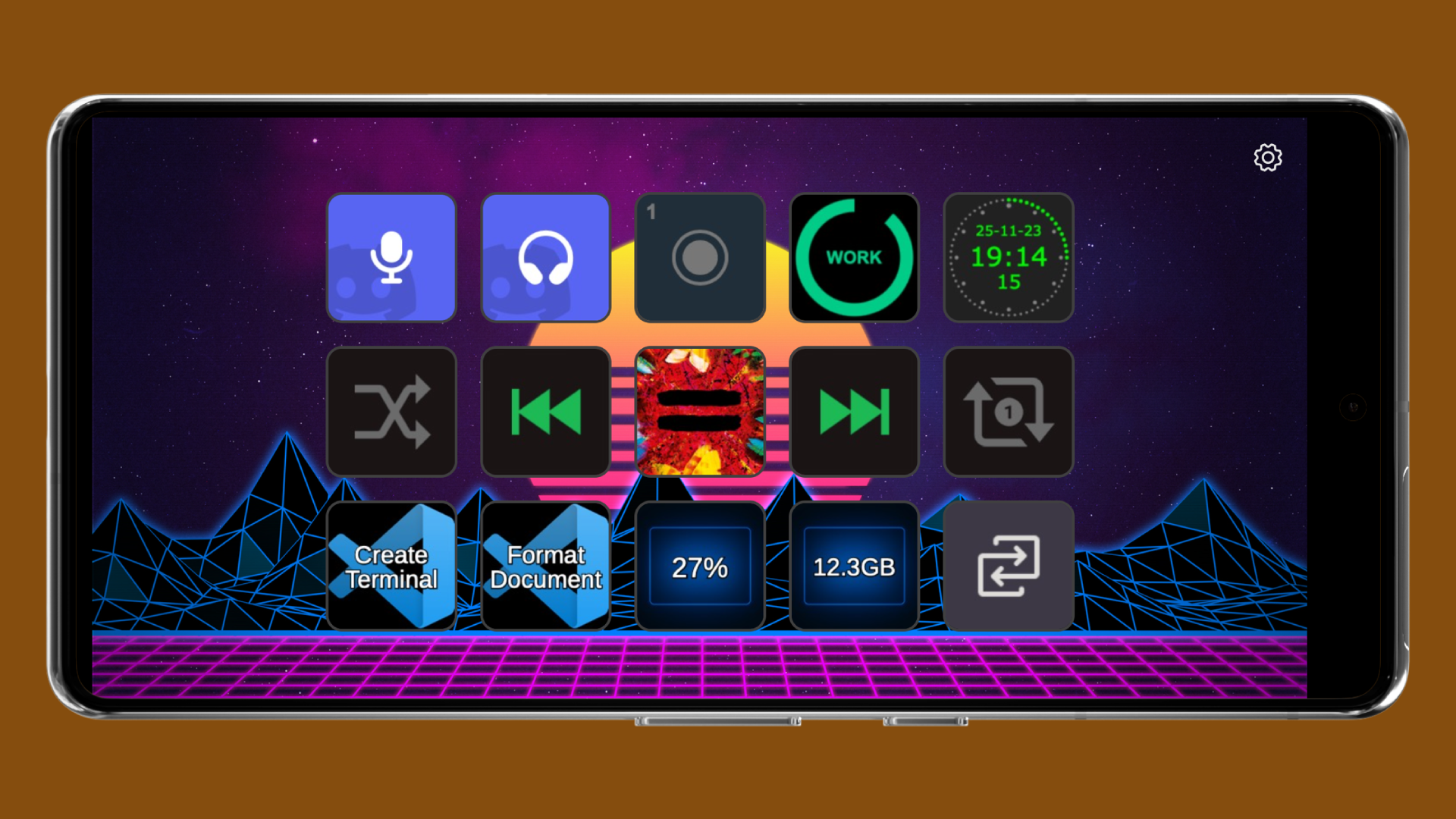
Customise the icons and text on each button so every grid matches your workflow and setup.
Run the same desktop setup across operating systems, including Linux support not offered by Elgato's app.
Pair your phone in seconds by scanning a QR code from the desktop app. No account needed to get started.
Tacto Desktop is built on OpenDeck, an open-source project by the same developer. Most plugins are open source too.
Pricing
Tacto Free
$0
Free forever with six customisable keys and unlimited profiles.
Tacto Pro
$24.99 once
or just $1.49/month for up to 64 keys and custom backgrounds.
Value
Half the price at every tier
Compared to Stream Deck Mobile Pro, with the added benefit of Linux support.